June 3, 2023, 3 min read, by Vinicius Bastos
Zigbee IR Hub: What It Is, What It Does and How to Set It Up
Zigbee IR hub: what an infrared hub is, how it controls the air conditioner and TV by app and voice, and the step-by-step setup in Tuya and Home Assistant.
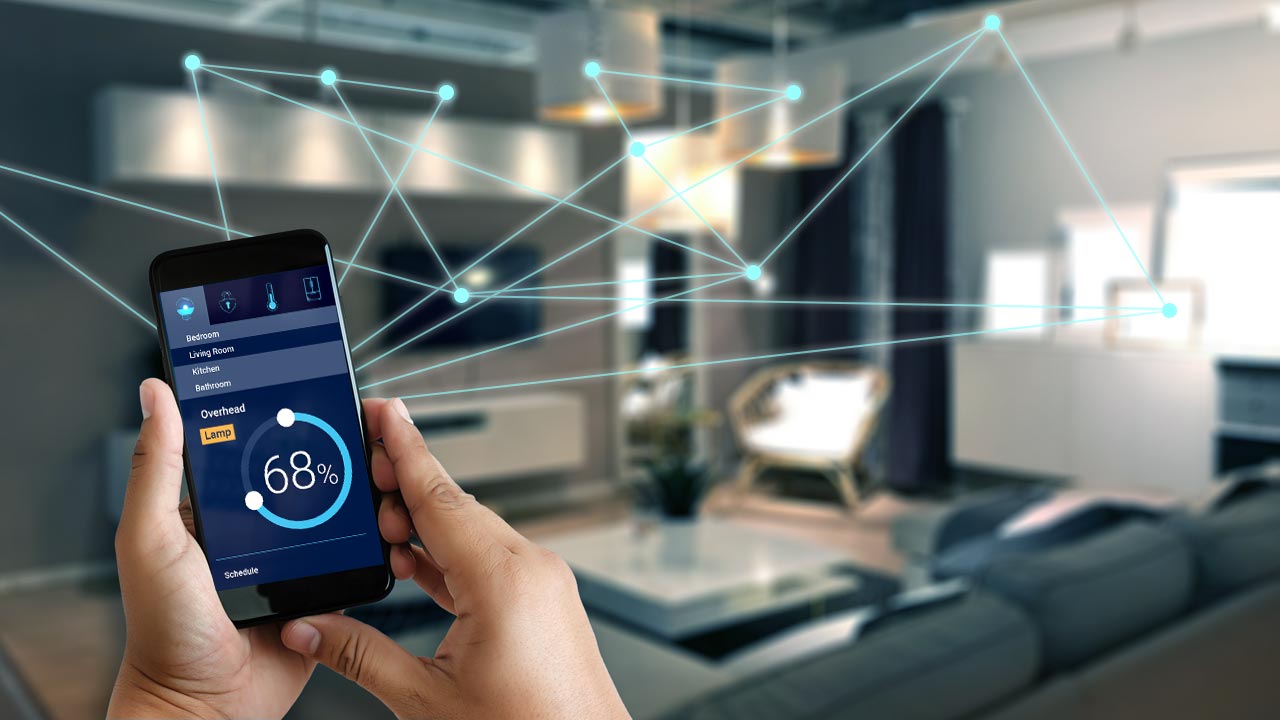
In most home automation projects, we need to control equipment by infrared, such as air conditioners and TVs.
For this, an IP-to-infrared command converter is used, available in many brands and technologies.
What is an IR hub?
The IR hub, or infrared hub, is a network-connected universal remote: it receives the command from the app, from your voice or from a scene and transmits it in infrared, just as the original remote would. That way, the air conditioner and the TV become part of the automation without replacing either appliance.
It works with appliances that have an infrared remote, such as air conditioners, TVs, TV boxes, fans, projectors, sound systems and air purifiers. The remote codes are stored in a library in the platform's cloud, and when the appliance is not in it, the hub learns the buttons of the original remote. See also how to automate lighting, TV and air conditioning.
On the Tuya platform, one of the most popular in Brazil, the device that handles infrared is called an IR Hub and connects to the local network over Wi-Fi.
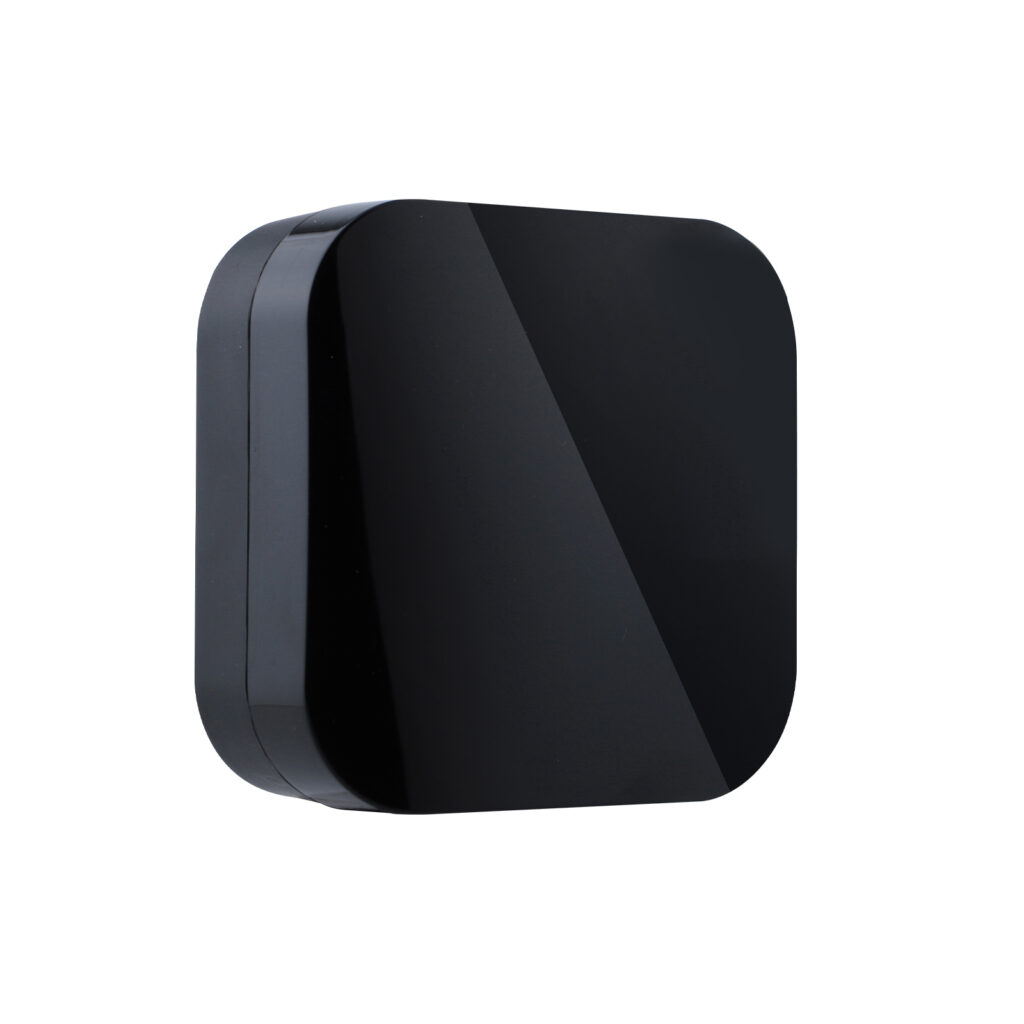
To get a direct line of sight, we usually install the IR Hub in a visible spot, which in some situations may not be ideal, especially for controlling the air conditioner.
Wi-Fi or Zigbee IR hub?
A Wi-Fi IR hub connects directly to the router. A Zigbee IR hub talks to a Zigbee gateway, does not take up the home's Wi-Fi and is a good choice for Home Assistant users.
If you use Home Assistant and want to control equipment by IR, you also need a converter, preferably one that uses the local network or is Zigbee.
Fortunately, there is a high-performing Zigbee IR Hub that is compatible with wired Tuya Zigbee gateways and with Zigbee2MQTT, for control through Home Assistant.
How to set up the Zigbee IR hub: step by step
In the Tuya app (Tuya Smart or Smart Life):
Have the Zigbee gateway already added in the app. The wired gateway is connected to the router with a network cable and is added in the app with the "+" button, with your phone on the same network.
Put the IR hub in pairing mode: hold the reset button until the LED blinks. On the Moes UFO-R11, the button is under the back cover.
In the app, add the IR hub as a sub-device of the gateway, with the hub near the gateway.
Inside the IR hub, add a remote: choose the type of appliance (air conditioner, TV, etc.), find its remote in the library, by brand or by pointing the original remote at the hub, and test the buttons until the appliance responds. If it is not in the library, use DIY mode, which learns the original remote button by button.
Move the hub to its final location, with a line of sight to the appliance, and test again. Then use the remote in scenes, automations and voice commands.
In Home Assistant, through Zigbee2MQTT, pairing is similar: turn on Permit join in Zigbee2MQTT and hold the hub's reset button until the LED blinks.
In Zigbee2MQTT, Zigbee IR hubs such as the Moes UFO-R11 and the Tuya ZS06 show up with a code learning function (learn_ir_code): you turn on learning, point the original remote at the hub and press the button. The learned code appears in the device state (learned_ir_code) and can be sent later (ir_code_to_send) by Home Assistant automations.
Want to learn how to design, install and deliver home automation? Check out QA Pro, QA's course and kit for integrators.