May 4, 2021, 10 min read, by Vinicius Bastos
How to Automate Your Home: 9 Practical Ways
Home automation step by step: see where to start and 9 ways to automate yours, with lighting, locks, air conditioning, sensors, cameras, and voice.
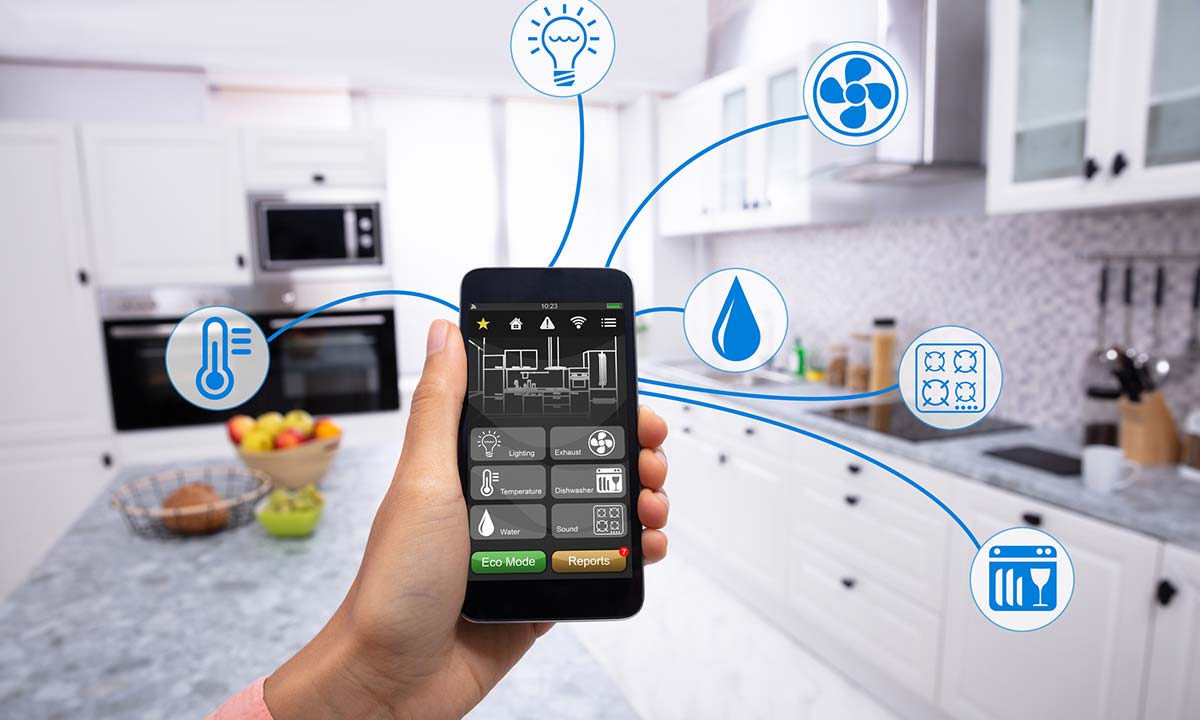
If you search, you'll find dozens of devices to automate your home, such as bulbs, smart plugs, switches, and LED strips, all compatible with the Amazon and Google voice assistants.
But in practice, what should you buy so that daily life at home actually becomes more comfortable and safer, and even helps lower your electricity bill?
Read this post to the end and discover 9 ways to automate your home.
How to automate your home: where to start
To automate your home, start with the Wi-Fi network and the lighting, and then add one system at a time, beginning with whatever solves a problem in your daily routine. Automating means making devices work on their own, on a schedule, by sensor, or by voice, and bringing them together in scenes, such as one that turns everything off when you leave the house.
Wi-Fi network: before buying any device, make sure you have a strong signal in every room.
Communication standard: Wi-Fi devices connect directly to the router; Zigbee devices use a hub and form their own network. See the differences in Wi-Fi or Zigbee. The Matter badge, from a standard launched in 2022, indicates that the device was made to work with different brands and platforms.
Lighting: replace the switches with smart models or install modules behind your current switches.
Scenes and voice: create the scenes you'll use every day, such as leaving home, movie night, and bedtime, and connect everything to your voice assistant.
The rest, little by little: lock, air conditioning, TV room, sensors, cameras, energy monitoring, and sound, the ways I explain below.
You can automate a finished home without breaking walls, using modules behind the switches, an IR hub for the air conditioner and the TV, smart plugs, smart bulbs in table lamps, and Wi-Fi cameras. If the house is under construction or being renovated, take the opportunity to prepare the house for automation, with a neutral wire in the switch boxes and room for the modules.
Some devices you can install yourself, such as a smart speaker, a smart plug, a bulb in a table lamp, and a Wi-Fi camera. Replacing switches, installing modules on circuits, mounting in-wall speakers, and running network cables is a job for a professional.
Automate the lighting
The first step is to automate the lighting. The advantage of controlling the lights through the app and by voice is being able to create scenes, which make life at home easier.
The main scene is the one that turns off all the lights, so you can be sure everything is off when you leave the house.
Another useful scene is a comfort scene, which turns on just a few lights and makes the room feel cozy.
At my house, I created a scene that turns on the outdoor lights and the living room lamp at dusk, turns off the outdoor lighting at dawn, and turns off the lamp at 10 p.m., which tells me it's time to go to bed.
To create scenes, you need to replace traditional switches with smart models.
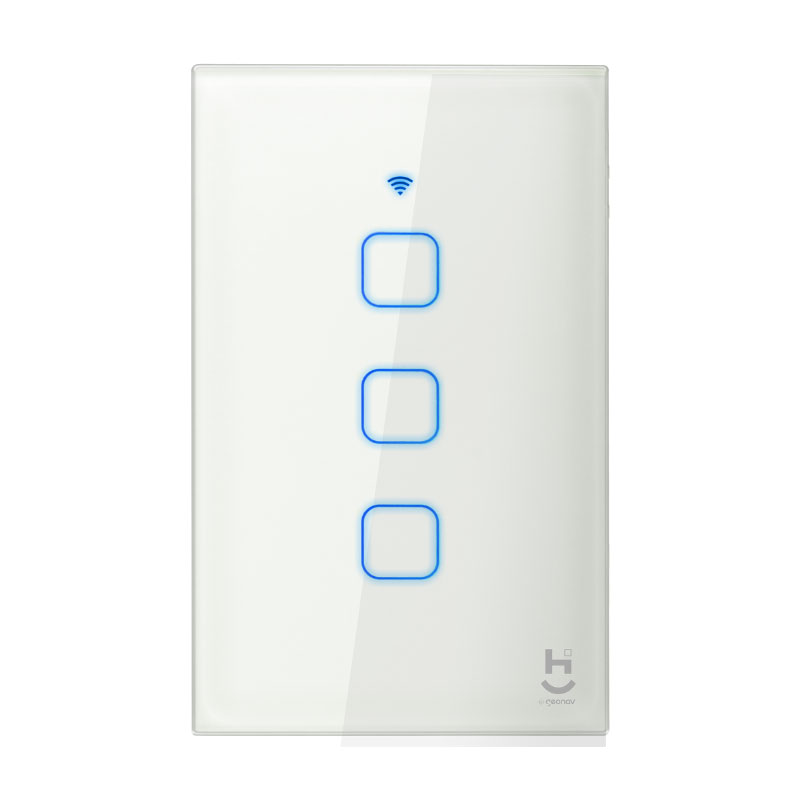
Another option is to install automation modules, which keep the existing switches and let you automate each electrical circuit.
Three-way switching, common in electrical installations, can be kept if relay modules are used.
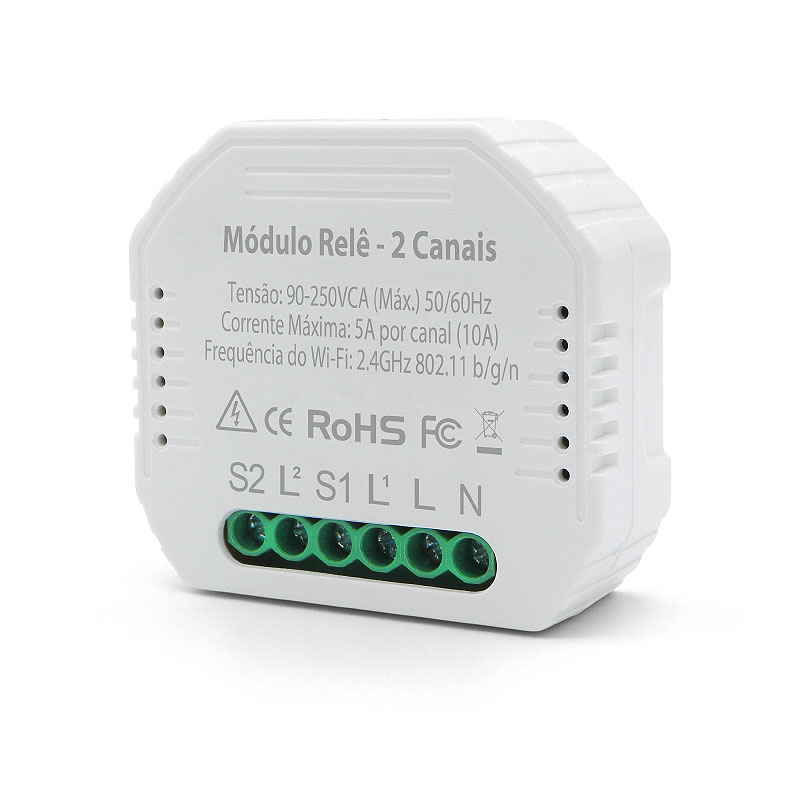
If smart switches are used, you can set up three-way switching in the app, with no wiring between the switches.
One thing to watch in lighting control is smart bulbs. Because they need to stay powered to be controlled, it's not recommended to install them on circuits that have switches.
Ideally, install smart bulbs in a table lamp or light fixture that will always stay powered, even when the bulb is off.
Access control
Smart locks have won consumers over. The benefits are compelling, like being free of keys and using a passcode, biometrics, or an RFID card to open the door.
An important feature is the ability to create temporary passcodes and access profiles that work at set times. For people who have household staff or rent out their property, it's one less problem to deal with.
A smart lock also adds to the home's design, with a touch of technology right at the entrance.
The thing to watch with a smart lock is the type of communication it will use. Preferably, choose the Zigbee, Z-Wave, or Bluetooth protocols, which let you control the lock at any time and use little power. More recently, Thread joined the list: it's the wireless network used by the Matter standard, which includes locks among its supported devices.
Many Wi-Fi locks need to be "woken up" to work, which prevents them from being operated from outside the home. If that's not a problem, there are dozens of Wi-Fi models on the market.
Also check whether it has a roller latch, a mechanical catch that, when the door closes, keeps it aligned with the frame and lets the motor throw the bolt without problems.
At home, I put the RFID card in my phone case. That way, I open the door by holding the phone near the lock, which reads the card and unlocks the door. For me, this is the easiest way to use a smart lock, since biometrics sometimes take a second try.
Automate the air conditioning
Anyone with a baby knows that one of the challenges is getting the bedroom temperature right so the baby sleeps well. But walking into the room to adjust the air conditioner can wake the baby up, which is the last thing you want.
That was the main reason I installed an IR hub in my daughter's room: with it, my wife can adjust the air conditioner, set the timer, and keep the room at the ideal temperature.
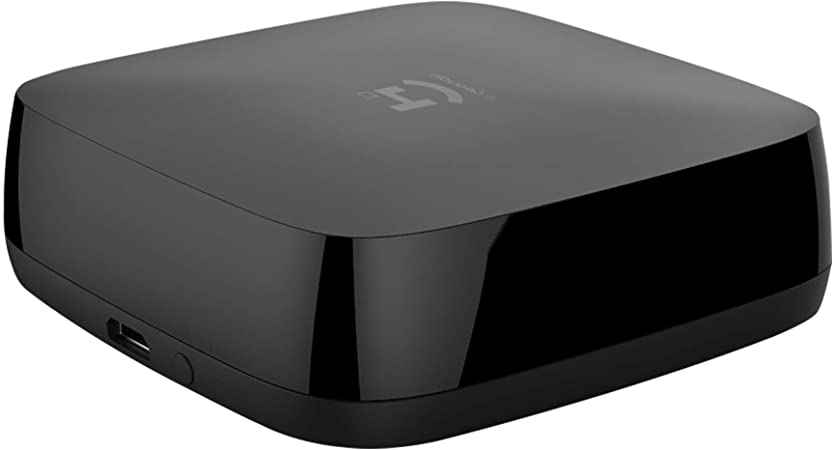
Another example is being able to turn on the air conditioning before you get home. In some cities in Brazil, it's so hot that this feature makes daily life more pleasant.
You can also add air conditioning control to the movie and bedtime scenes and to the scene that turns off all the lights, to make sure both the lighting and the air conditioners are off when you leave the house.
Automate the TV room
If you have, or plan to have, a home theater, you'll end up with several remote controls. The remotes for the receiver, the TV or projector, the cable box, the air conditioner, the game console, and the Apple TV are just a few examples.
Turning the system on takes several presses on more than one remote, which can be confusing for people who aren't comfortable with technology.
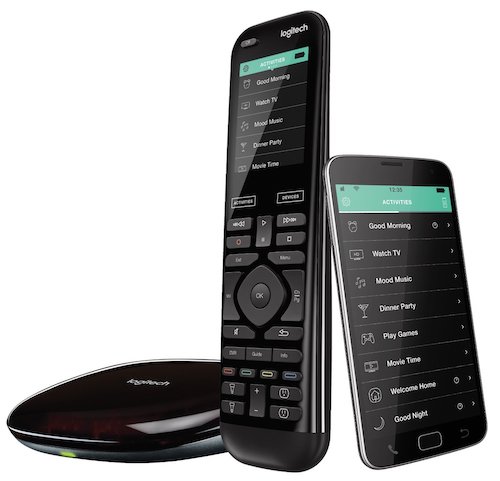
Automation solves this problem. It turns on the equipment and switches the inputs automatically, so the movie starts without anyone touching the remotes.
When it's time to leave, the automation turns everything off for you and makes sure no equipment was left on unnecessarily. And if you add this scene to your voice assistant, everything happens with a single phrase, such as "Alexa, movie scene" or "Alexa, I'm leaving."
Safety sensors
This is something many installers overlook, because safety sensors are bought in the hope that they will never be used.
A smoke detector, for example, is installed near the kitchen (at least 3 meters from the stove, so it doesn't go off from cooking smoke) so that, if there's smoke in the area, it sounds the siren and alerts the owner. There are also LPG sensors, CO sensors, and water leak sensors. They keep monitoring the area and, if they detect a problem, can trigger a valve that shuts off the gas or the water.
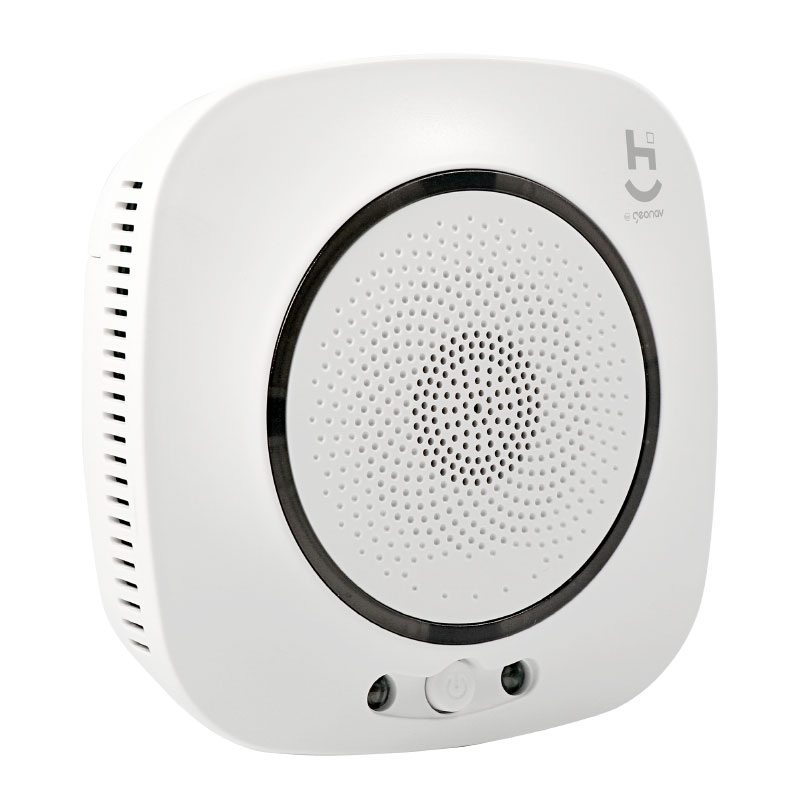
Position also matters: the LPG sensor goes near the floor, because this gas is heavier than air, and the natural gas sensor goes near the ceiling. Check the mounting height given in the sensor's manual.
These sensors can save lives and prevent huge losses. The price of a sensor is very low compared to the safety it provides. It's worth the investment!
IP cameras
The benefits of monitoring a place with cameras are obvious, but the reasons can vary. You may need to keep an eye on a rental property, your pet, your baby, or an outdoor area of the house.
What matters is having a high-definition image, 24/7 recording, and remote access through the app to view the live image and the recordings whenever you want.
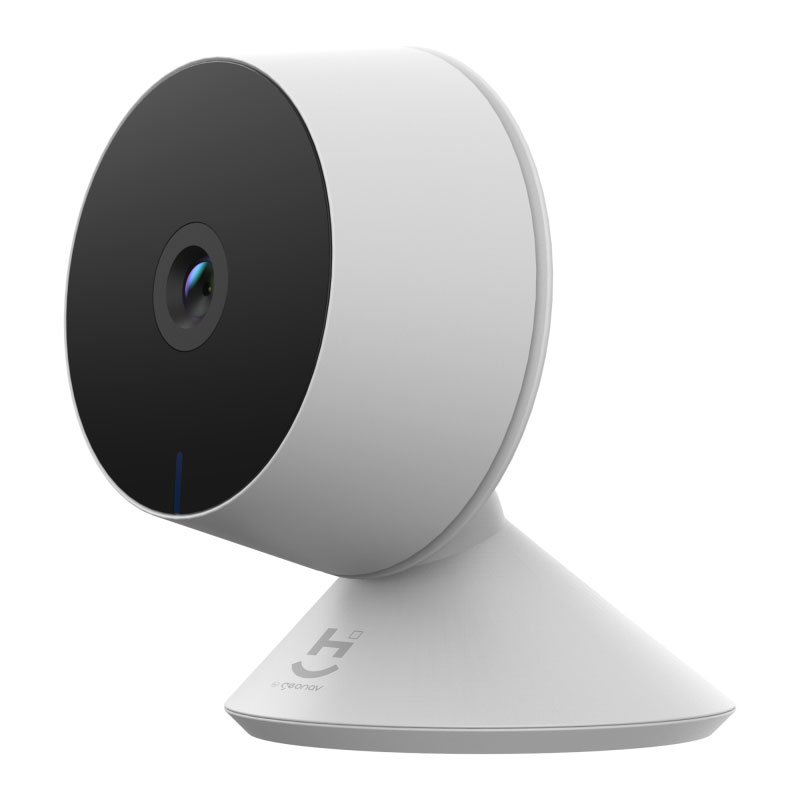
These features used to be exclusive to sophisticated CCTV systems, but with the new smart cameras you can do all of this easily, quickly, and reliably.
The points to watch are buying a camera with the right lens, so the image meets the customer's expectations, having a great Wi-Fi signal at the location, subscribing to cloud recording, and installing an SD card to save the footage if the internet goes down.
The more IP cameras connected, the better the Wi-Fi network must be. Avoid using the internet provider's "combo" units: you need to buy a great router and excellent access points for the network to work properly. I explain how to set up this network in How to choose a mesh router.
Energy meters
The cost of electricity keeps going up. That's why the adoption of solar energy grows every day. You can monitor your home's energy consumption and compare it with previous months to adjust your habits and, as a result, lower your bill.
To do this, you need to install an energy meter where power enters the house. The meter must be bidirectional so that, if there's a solar photovoltaic system on site, it measures both the energy fed into the grid and the energy consumed.
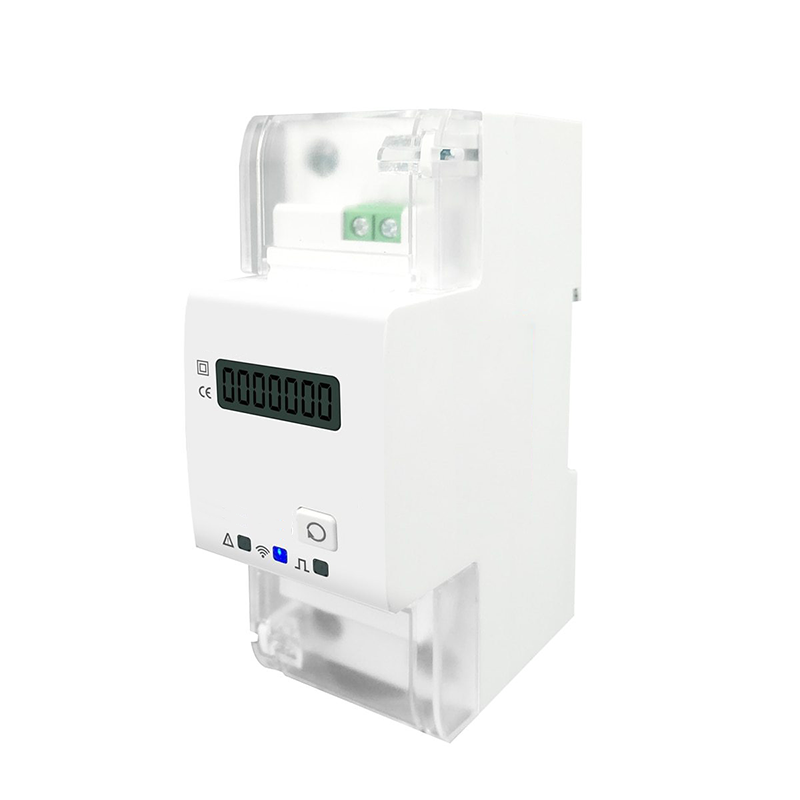
Consumption charts and current, voltage, and power readings can be followed in the app.
This smart energy meter also works as a 65 A relay, which handles high loads and can be used to control outdoor lighting and the common areas of buildings.
Automate whole-home audio
Who doesn't like music? It has become very easy to create a multiroom sound system, which lets you play the same music, or different music, in each room of the house.
The easiest way is to use voice assistants. Amazon offers speaker groups: you ask, and Alexa plays the same music on more than one Echo at the same time.
And if you need more power or want better audio quality, you can buy an amplifier and in-wall speakers and connect the Echo to the amplifier with a 3.5 mm stereo cable or over Bluetooth. Note: not every model has a 3.5 mm output; the 5th-generation Echo Dot, for example, only sends audio to the amplifier over Bluetooth. To bring sound to several rooms of the house, see multiroom audio.
Voice assistants
And speaking of voice assistants, they are the command center of the automation. Easier than opening the app is asking Alexa or Google Assistant for what you want.
Since they are software running in the cloud, there's something new to explore every day. Alexa, for example, comes up with different answers to a simple "Alexa, good morning!" Have you tried it?
You can ask for the weather forecast, shop, listen to music, and send messages. And if you have an Echo Show, which has a built-in screen, you can also view your camera feeds!
I believe voice assistants are just getting started. Artificial intelligence will help us live better and should begin suggesting activities, purchases, and actions once data from the refrigerator, the car, or the home's sensors is integrated.
This shift has already begun. In February 2025, Amazon announced Alexa+, a version of the assistant with generative artificial intelligence, which arrived in Brazil in early access in June 2026. And since October 2025, Google has been replacing Google Assistant with Gemini on Google Home and Nest speakers and displays, starting with the United States (as of October 2026, Brazil was not yet on the list of countries). The new versions understand requests made in natural language, so you don't have to memorize commands.
Conclusion
In this article, you learned 9 ways to automate your home that increase comfort, security, and savings.
Many products are easy to install, but it's essential to hire a professional to size the Wi-Fi network, install the in-wall speakers, size the sound amplifiers, run the electrical wiring, replace the switches, set up the scenes, and get the system working just the way you like it.