March 3, 2021, 3 min read, by Vinicius Bastos
Sonoff and Tuya: How to Fix Wi-Fi Connection Problems
Sonoff and Tuya need 2.4 GHz Wi-Fi. See how to set up your network so devices don't go offline, and whether Sonoff works with the Tuya Smart app.
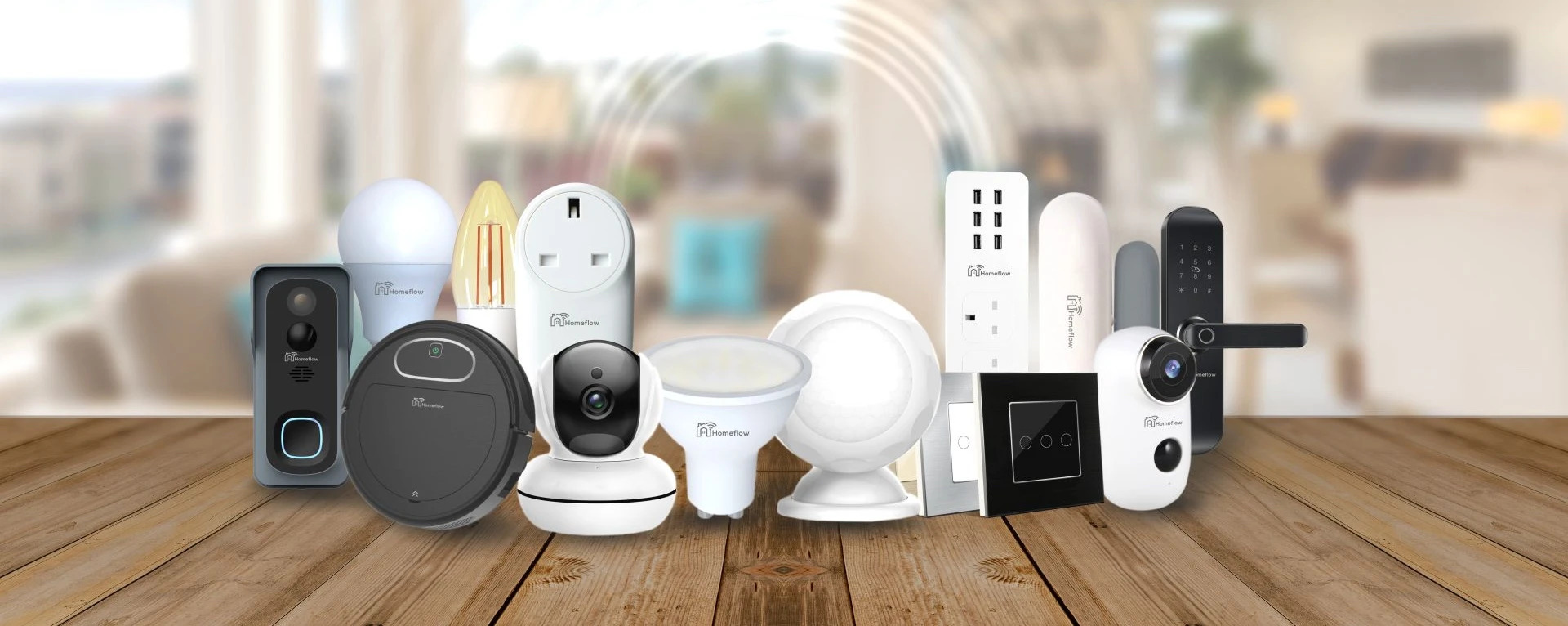
Sonoff devices and those that use the Tuya platform, such as devices from Geonav, Positivo, and other major brands, require the 2.4 GHz network to communicate with the cloud server.
On the one hand, this is great, because it lowers the cost of automation, but on the other, it can cause difficulties if the site's Wi-Fi network isn't properly sized.
Voice assistants also need a Wi-Fi connection to work, but they can use the 5 GHz band, which, because it's less congested, tends to work better, even though its range is shorter than that of the 2.4 GHz network.
In this video, you'll learn the points to watch to have a great Wi-Fi network on the 2.4 GHz band and avoid common mistakes that directly affect the performance of Sonoff and Tuya Wi-Fi automation devices.
Does Sonoff work on 5 GHz Wi-Fi?
On most models, no: Wi-Fi switches, relays, and plugs from Sonoff and from brands that use Tuya only connect to the 2.4 GHz network. If your router broadcasts both bands under the same name, split the networks, or create a 2.4 GHz-only network, to do the pairing.
The spec sheet for the Sonoff 4CHR3 relay, for example, lists only 2.4 GHz Wi-Fi, and Tuya recommends, when pairing fails, giving the 2.4 GHz and 5 GHz networks separate names, using AP mode, or pairing through a phone's hotspot. There are exceptions, such as the Sonoff CAM Outdoor DUO camera, which already accepts 5 GHz: check the spec sheet for each model.
A tip that applies to any home: on the 2.4 GHz band, keep the router on channel 1, 6, or 11, with a 20 MHz width, since these are the channels that don't overlap with each other. Choosing the one least used by neighboring networks reduces interference.
Does Sonoff work with Tuya?
They're different platforms: Sonoff uses the eWeLink app, and Tuya devices use Tuya Smart or Smart Life. To use both brands together, link the accounts to Alexa or Google Home, which accept both, or choose Matter-compatible models.
Through Alexa or Google Home, you control everything in one place and create routines that combine devices from both brands. Matter, on the other hand, is a common standard: a compatible device can join Alexa, Google Home, and Apple Home at the same time.
What is Tuya Smart?
It's the app from Tuya, the smart home platform used by hundreds of manufacturers: with it, you control devices from different brands that use the Tuya cloud in the same app. Smart Life is another version of the same app, on the same platform, according to Tuya.
To go further, see 5 ways to improve your home Wi-Fi and how to choose a mesh router.
If you liked this, share it in the groups you're part of! With these tips, you can improve the experience and make using automation more enjoyable.