January 12, 2022, 2 min read, by Vinicius Bastos
How to Prepare Your Home for Automation: Part 2
Part 2 of the checklist for preparing your home for automation: motorized blinds, sensors, cameras, air conditioning, and home theater.
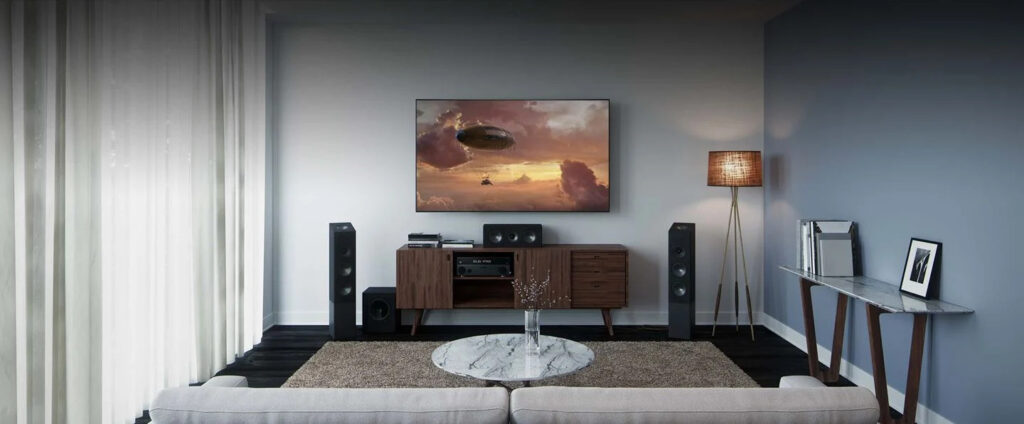
This is the continuation of the series of tips for preparing your home for automation. If you haven't read PART 1, read it here before continuing.
Now let's look at tips on motorized curtains, sensors, cameras, air conditioners, and the home theater.
Of course, the technical side of the installation is taught in detail in the course, but this CHECKLIST is useful so you don't forget any important point when planning your next project.
MOTORIZED BLINDS
Specify a 4x2 box with Phase, Neutral, and Ground for each motor, preferably 220V.
The motor must be directly switched.
Don't exceed the maximum load of the Curtain Module, usually 500W.
SENSORS
Specify a smoke sensor for the kitchen and the barbecue area.
Specify a CO sensor in the garage.
Specify a gas sensor for the kitchen.
Specify door sensors at the entrances of the house.
Specify a motion sensor in the hallway.
None of these sensors is waterproof: install them in sheltered locations.
Check that the sensors are installed correctly.
Create notification scenes in case a sensor is triggered.
CAMERAS
Specify at least one IP camera connected to the automation app.
Subscribe to cloud recording and install an SD card. Teach the client how to browse the recordings.
Specify a power point at the camera location.
AIR CONDITIONING
Specify an IR hub for each room.
Check the brand and model of the AC to avoid problems when copying the remote control.
Integrate the ACs with the digital assistants for voice control and, if you like, with Q-IA, so the homeowner can control the air conditioning over WhatsApp.
HOME THEATER
Pay attention to how the scenes are configured, following the course lessons.
Check the room's acoustics for better performance.
Plan a Dolby Atmos and Dolby Vision system to match content from Netflix and Disney+.
TO BE CONTINUED...
The last part of this series, on scenes, the app, and the digital assistants, is in Part 3.