February 16, 2022, 2 min read, by Vinicius Bastos
How to Prepare Your Home for Automation: Part 3
Part 3 of the series on how to prepare your home for automation: simple scenes, using the app and the right names for Alexa, Google and Siri.
This is the third and final part of the series of tips to help you prepare your home for automation.
If you have not read the previous parts, start here and then see part 2.
It is time to talk about scenes, the app and digital assistants.
Shall we?
SCENES
Scenes are sets of actions set off by a trigger, which can be a device, such as a button on the wall, a scheduled time, a sensor or even your GPS location.
A very common mistake you should avoid is creating complex scenes.
In practice, that does not work.
People (including you) need to find the automation easy to use and remember that pressing a button makes a few things happen, but nothing too complex.
Simplicity is the secret to getting the whole family to adopt the technology.
With that in mind, here are some useful scenes:
All off
Start dinner
Movie time
Bedtime
Good morning
An example of a simple, useful scene is turning off the living room table lamp at 10 p.m., signaling that it is time for bed.
Sounds too simple? Try it in your home...
Another example: when you say good morning to Alexa, she can tell you the weather forecast, open the curtain and play your favorite playlist.
You can create scenes for comfort, security and savings. The secret is to start with the scenes above and then add a few more if you think you need them.
APP
Control through the app is essential, especially when you are away from home. The interfaces are simple and intuitive, organized by devices, rooms and scenes.
If you use the Tuya platform, the recommendation is to create a Home in the app and add all the family members as users.
Teach them how to use the app, turn on notifications, especially if there are security scenes, and always keep the app updated.
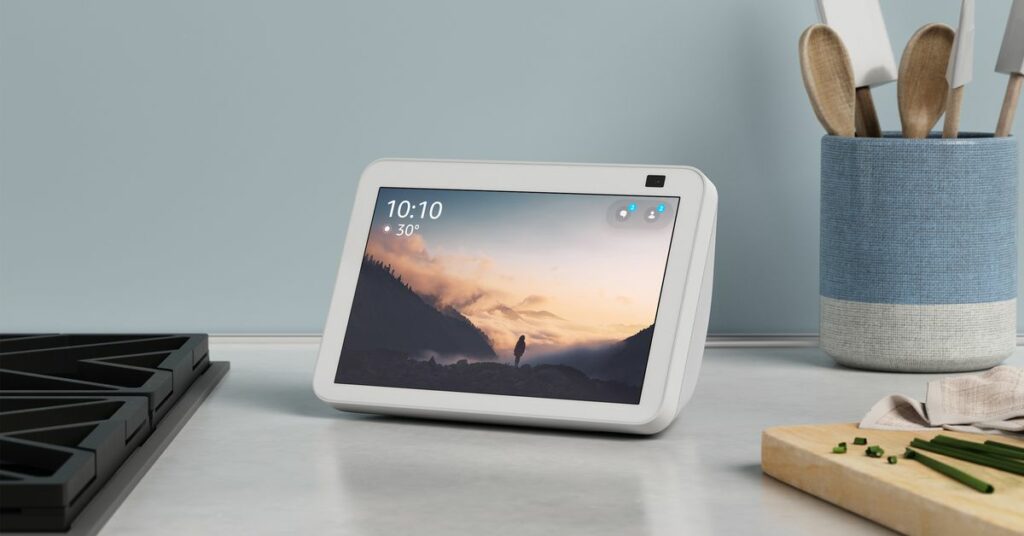
If you have a tablet, it is worth installing the Tuya app on it and leaving it in the living room. It is like having a remote control for the whole house at your fingertips.
DIGITAL ASSISTANTS
Alexa, Google Assistant (which Google is replacing with Gemini) and Siri have names you should avoid for your scenes or devices, because they are built-in names. For example, LIGHT, CURTAIN and TV are generic names you should not use on their own.
Be specific, such as MAIN LIGHT, ENTRANCE CURTAIN or BEDROOM TV.
Digital assistants can run the scenes you have created through routines. Create a routine with the command "I'm leaving" that runs the "all off" scene, for example.
Again, look for simple names that are easy to remember. The easier the automation is to use, the more pleasant it becomes.
You can also trigger scenes by message: with Q-IA, QA's assistant, a request on WhatsApp controls the home's lights, curtains, air conditioning and scenes.
NEXT STEP
All of this only works if you have a good Wi-Fi system and the modules, sensors, in-wall boxes, amplifiers and everything else installed and configured correctly.